
March 19, 2026 — Google has detailed a new process that allows Android users to more easily install apps from outside the official Play Store while maintaining protections against high-pressure scams. The “advanced flow” setting, announced Thursday, lets device owners disable a verification requirement that typically blocks sideloading.
Balancing Security and User Choice
The move follows Google’s announcement last year requiring all Android apps to be registered by verified developers for installation on certified devices. That policy aimed to curb malware distribution, financial fraud, and data theft through unvetted applications.
While these security mechanisms reduce risks, some users seek the freedom to install unverified software and accept associated responsibilities. Google’s new system provides that option through a deliberate, multi-step procedure designed to prevent accidental or coerced disabling of protections.
A Deliberate Process to Thwart Scammers
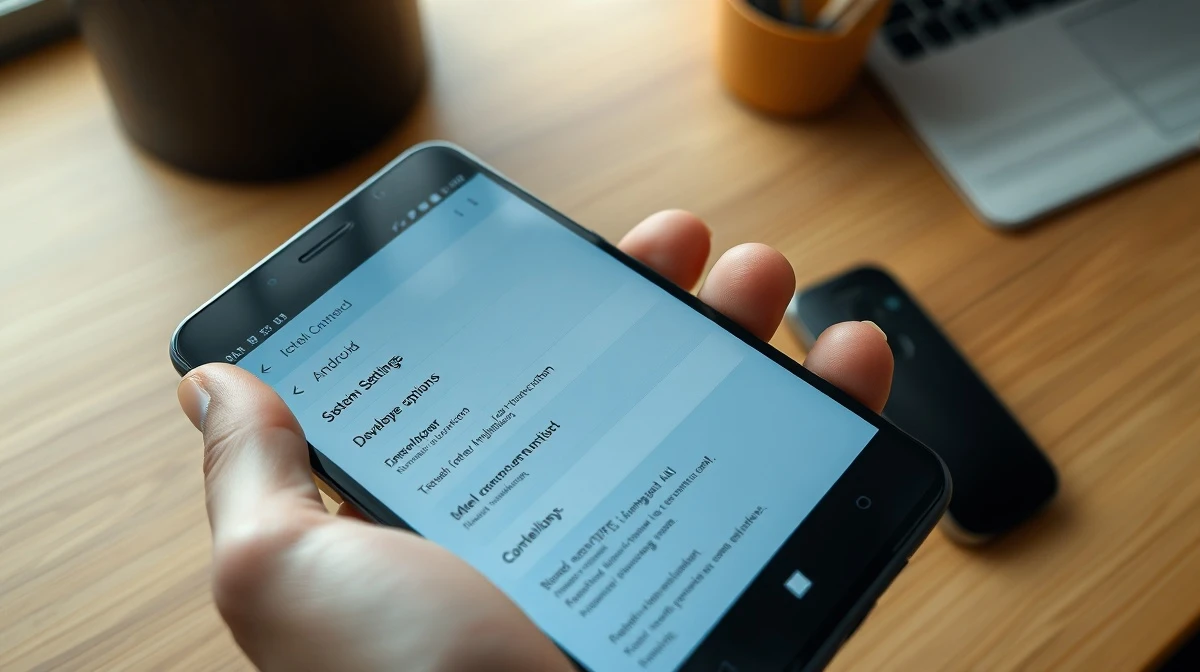
The advanced flow begins by enabling developer mode within Android’s system settings. This initial step prevents “one-tap” bypasses that fraudsters often exploit during high-pressure schemes. Google notes scammers frequently use threats of financial ruin, legal trouble, or harm to loved ones to create urgency.
They also commonly stay on phone calls to guide victims through disabling security. A Global Anti-Scam Alliance (GASA) report cited by Google indicated 57% of adults globally experienced a scam in 2025.
After activating developer mode, a quick verification ensures no one is coaching the user. The device then requires a restart and reauthentication, cutting off any remote access or active calls a scammer might use to monitor the victim.
Built-In Delays and Final Authentication
A mandatory one-day waiting period follows the restart. Since scammers rely on manufactured urgency, this cooling-off period gives users time to reconsider, Google explained. When the wait ends, device owners must confirm the change using biometric authentication—like a fingerprint or face unlock—or their device PIN.
Once completed, users can install apps from unverified developers outside the Play Store. They may enable this permission for seven days or indefinitely. Safety warnings about unverified developers will still appear, but users can bypass them with a tap.
Context and Additional Developer Options
These changes arrive after Google settled a years-long legal battle with Fortnite maker Epic Games over anticompetitive practices on the Play Store. As part of that settlement, Google reduced its Play Store commissions to 20% on in-app purchases, with an additional 5% fee if developers use Google’s billing system.
Separately, Google now offers free, limited distribution accounts for students and hobbyists. These accounts allow sharing apps with groups of up to 20 users without requiring government ID verification or a registration fee.
The new sideloading flow represents Google’s attempt to reconcile regulatory pressures and user demands for openness with its ongoing security obligations for the Android ecosystem.
This article was produced with AI assistance and reviewed by our editorial team for accuracy and quality.



